
Solution
How To
Internal Only
Templates
Powered By

Problem
- The need exists to determine the version of Platform9 Managed OpenStack on which your cloud operates.
Environment
- Platform9 Managed OpenStack - All Versions
Answer
- Login to your cloud at the URL provided by your Platform9 Architect.
- Click the question mark icon pointed out in the screenshot below and select 'Support'.

faq-pmo-version-pic1correctededited.png
- Scroll to the bottom of the page to view your current version of Platform9 Managed OpenStack or to see Release Notes for said version.
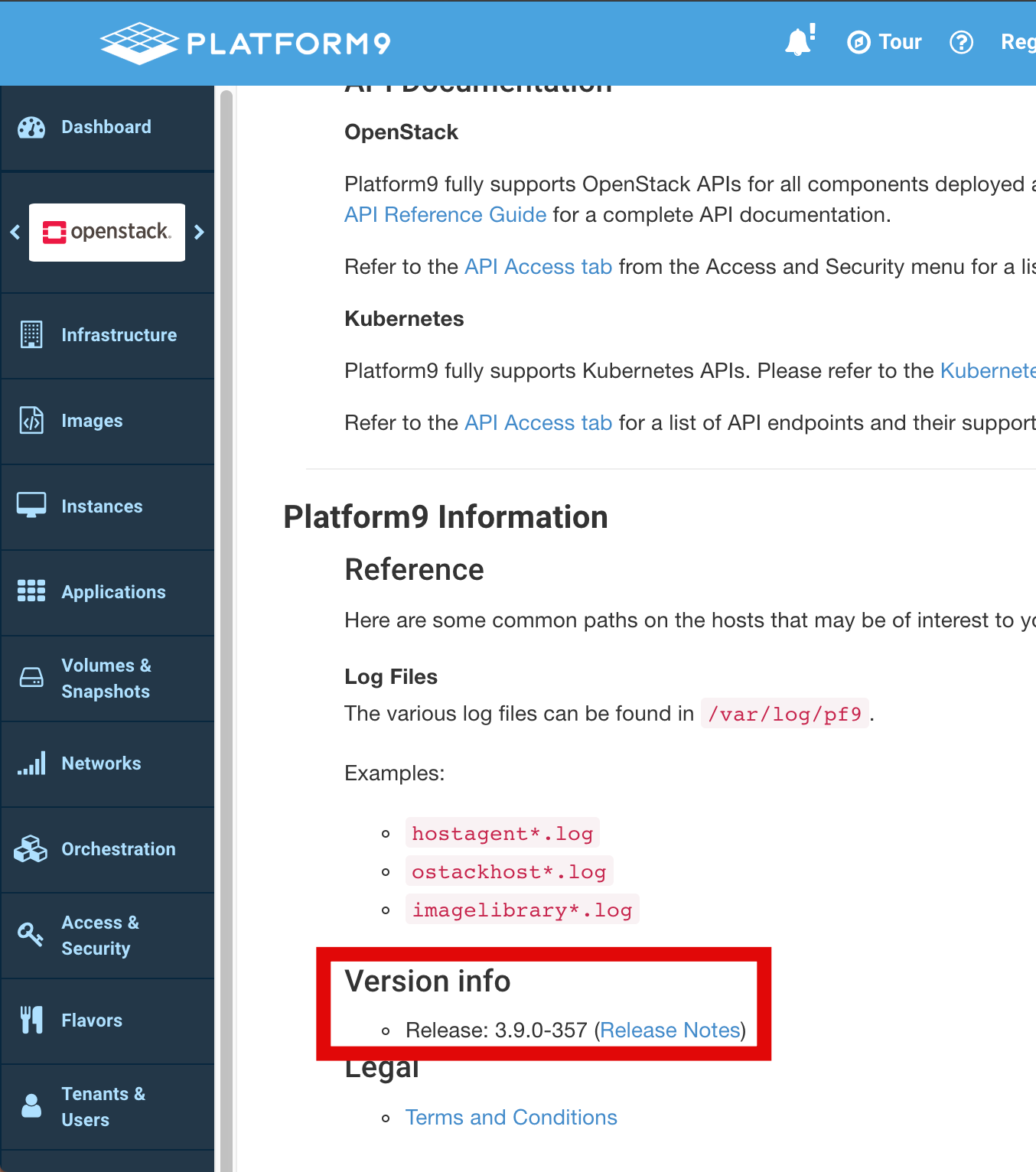
faq-pmo-version-pic2.png
Additional Information
See our Platform9 Docs page for all available release notes and further product documentation. Additionally, please refer to our Support matrix for the Individual component version.
Was this page helpful?