
Problem
Minio pods are stuck in ContainerCreating, Image pull error, ContainerStatusUnknown status.
NAMESPACE NAME READY STATUS RESTARTS AGE
minio console-59d679474-7fzvr 0/1 Completed 0 29h
minio console-59d679474-klt79 0/1 ContainerStatusUnknown 0 170m
minio console-59d679474-x9nbq 0/1 ErrImagePull 0 143m
minio minio-operator-5bcbcb9b48-fhr8k 1/1 Running 8 (102m ago) 29h
minio minio1-pool-0-0 0/1 ContainerCreating 0 159m
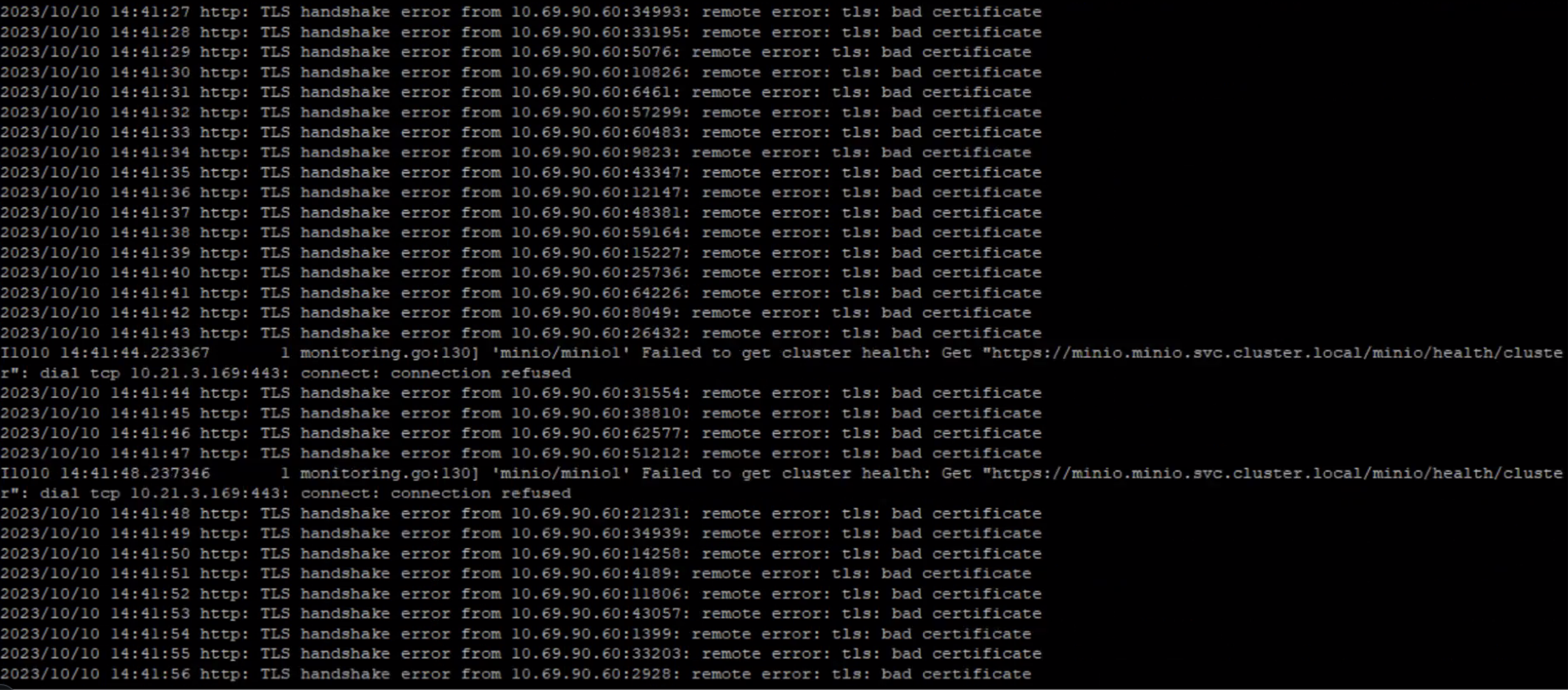
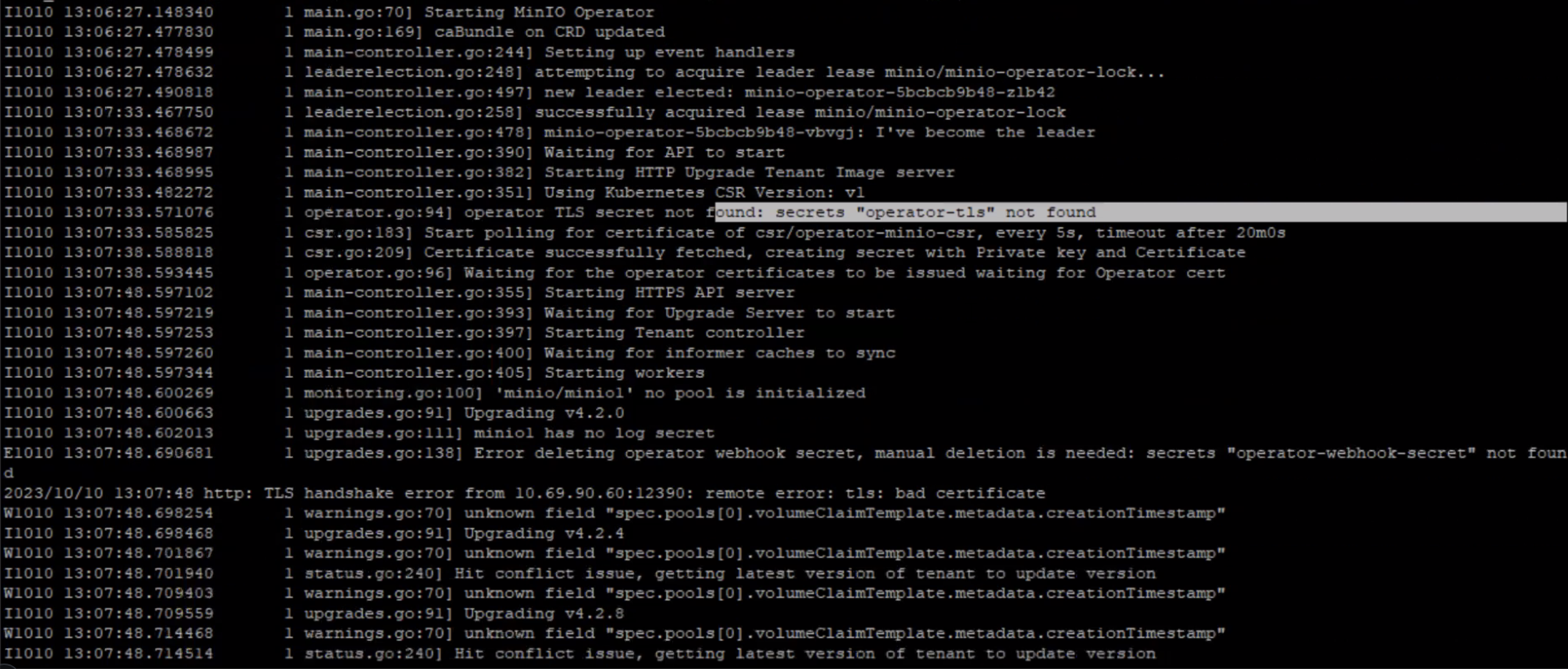
The errors seen in the minio pod logs are:
Environment
Platform9 Self Managed Cloud Platform9 - v5.9 and Higher
Procedure
Steps to re-install Minio:
Un-install Minio using helm in the Management Cluster:
# export KUBECONFIG=/etc/nodelet/airctl-mgmt/certs/admin.kubeconfig
# helm -n minio uninstall minio-tenant
# helm -n minio uninstall minio-operator
Install the Minio operator:
# helm -n minio install minio-operator /opt/pf9/airctl/conf/helm_charts/minio-operator-4.5.1.tgz -f /opt/pf9/airctl/conf/helm_values/minio-operator.template.yml
Check if the operator is running on the cluster:
# kubectl get pods -A | grep minio-operator
Once operator is running, wait for ~30s to let it initialize. Then run:
# helm -n minio install minio-tenant /opt/pf9/airctl/conf/helm_charts/minio-tenant-4.5.1.tgz -f minio_tenant_values.yml
Additional Information
Need to check if there are any other underlying issue causing the pod failures, like etcd latency.
Was this page helpful?
Internal Only
Templates
Powered by
