Platform9 Generic
Latest
Frequently Asked Questions
How To
Solution
Internal Only
Templates
Powered By

Title
Message
Create new category
What is the title of your new category?
Edit page index title
What is the title of the page index?
Edit category
What is the new title of your category?
Edit link
What is the new title and URL of your link?
Support Portal Not Working On Google Chrome Browser
Copy Markdown
Open in ChatGPT
Open in Claude
Problem
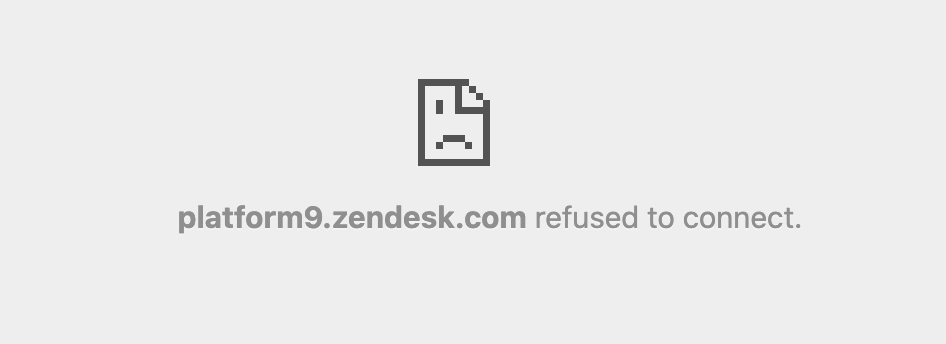
Signing in to the support portal using Google Chrome browser shows " platform9.zendesk.com refused to connect."
mceclip0.png
Environment
- Platform9 Support Portal
- Google Chrome Browser
Cause
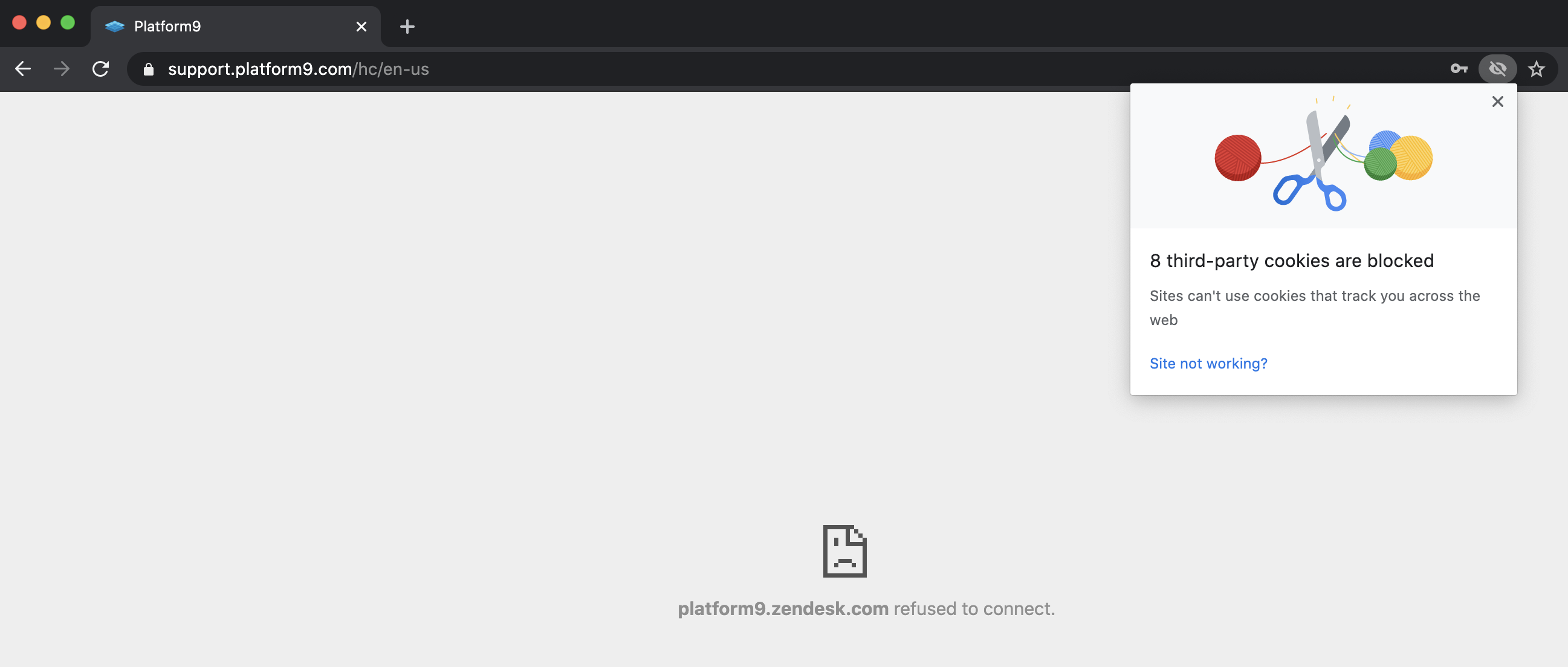
This happens when the third-party cookies are blocked in the Google Chrome Browser.
Resolution
- To allow the third-party cookies for only the Platform9 support portal, click on the eye icon in the address bar-> "Site not working?".
mceclip1.png
- Click on 'Allow Cookies'.

mceclip2.png
Additional Information
Refer to the "Change your cookie settings" section from Google Chrome Help.
VariableType to search · ESC to discard
GlossaryType to search · ESC to discard
InsertType to search · ESC to discard
No matches
Last updated on
Was this page helpful?
Discard Changes
Do you want to discard your current changes and overwrite with the template?
Archive Synced Block
Message
Create new Template
What is this template's title?
Delete Template
Message
