
Frequently Asked Questions
Solutions
Internal Only
Templates
Powered By

Problem
A cluster deletion via the API is a useful tool for automation or if you do not have access to UI.
Environment
- Platform9 Managed Kubernetes - All Versions
- Qbert
Procedure
1 - Obtain an authentication token from the Keystone service.
$ TOKEN=(curl -D - -sH "Content-Type: application/json" https://__DDU__/keystone/v3/auth/tokens -d '{"auth": {"identity": {"methods": ["password"], "password": {"user": {"name": "<__signup_email__>", "domain": {"id": "default"}, "password": "__PASSWORD__"}}}}}' | grep -Fi 'X-Subject-Token' | awk '{print $2}')2 - Obtain the UUID of the Tenant by clicking on your profile on the Top right and navigating to Admin Settings.
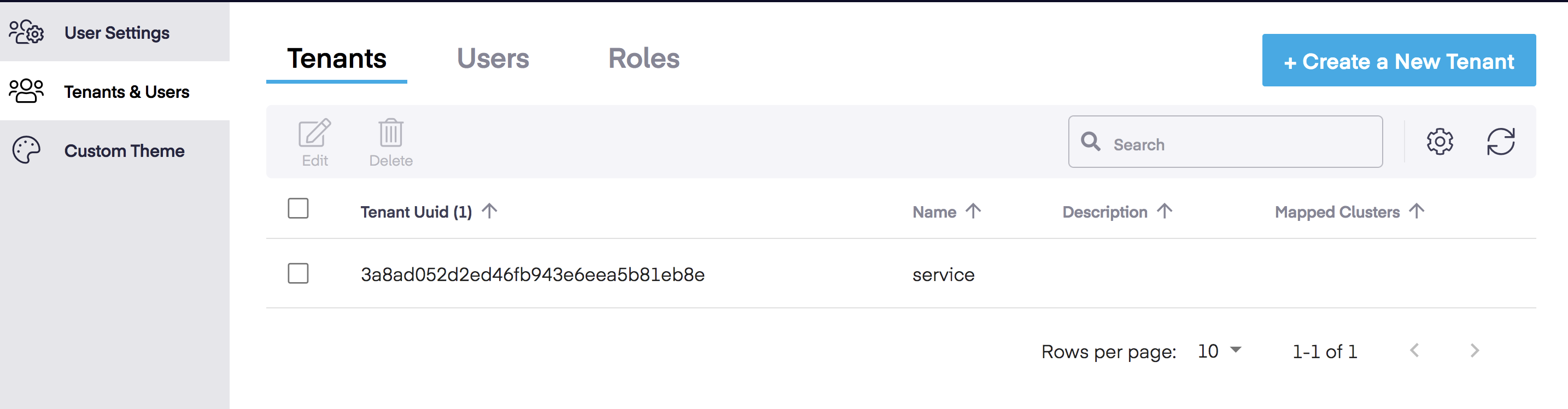
3 - Obtain the Cluster UUID by navigating to Infrastructure -> Clusters -> Select Cluster -> Cluster Details -> Unique ID.
4 - The Cluster can be deleted using the following command.
$ curl --request DELETE --url https://<platform9_url>/qbert/v3/<project_uuid>/clusters/<uuid> --header "X-Auth-Token: $TOKEN"Please ensure all workloads have been moved off the cluster before attempting deletion.
Additional Information
Was this page helpful?